For working musicians
Sheet music on iPad, straight from your Dropbox.
Every part you own, on one screen, with nothing imported, copied, or tagged. foliolies reads the PDFs where they already sit, so the folders you built on the Mac are the ones you browse in the pit. Mark up a part with the Pencil and the ink saves back into the original file.
The library
Link a folder, browse what’s in it.
foliolies reads every PDF under a folder you link, wherever it lives. The real hierarchy is the navigation, and search matches filenames and paths from any level down. No metadata, no import step.

Reading
Built for a music stand.
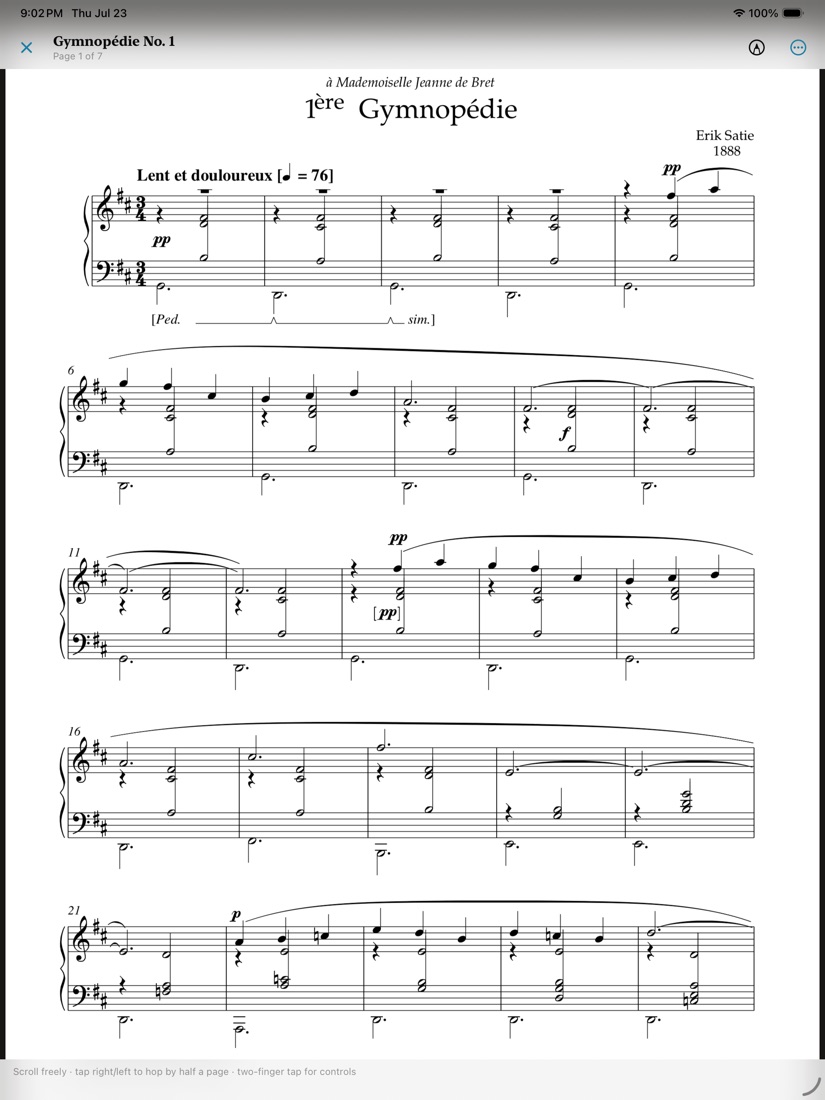
One page at a time. Tap the right half forward, the left half back, two fingers for the controls. Swipe turning and tap turning switch off independently. Three page-curl animations with a speed slider, plus a continuous-scroll mode.
Bluetooth pedals work on arrival. AirTurn, PageFlip, and generic HID units are read as hardware keys and remapped under Pedals & Keys.

Markup
Mark it up, save it back.
Annotate with Apple Pencil. On save you choose: flatten the ink into the original in place, or write a sibling … (annotated).pdf and leave the original alone.
If the file changed while it was open, foliolies says so and points you at the new-version route instead of overwriting someone else’s work.

New parts
When the copyist sends a fix.
You’re reading Horn 1.pdf and a corrected export lands in the shared folder. foliolies flattens your markings into the version you had, files it in a Previous Versions folder next to the part, and loads the new one.
The old version stays inside the linked folder, so it syncs back to the Mac. Change detection uses the Dropbox revision and content hash, not modification dates.

Also
- Offline
- The linked Dropbox folder is mirrored to the iPad as real files. Opened files are cached and marked as offline copies when there’s no signal.
- Saving
- Uploads go back against the revision you had, so Dropbox keeps both versions as a conflicted copy instead of one quietly winning.
- Setlists
- Drag to order, nothing auto-sorted. Items are references rather than copies and resolve by path, then by filename. Perform mode plays the list as one queue.
- Nearby
- Send a part to another iPad on the local network. Visibility is off until you turn it on, and nothing arrives without an Accept.
- Themes
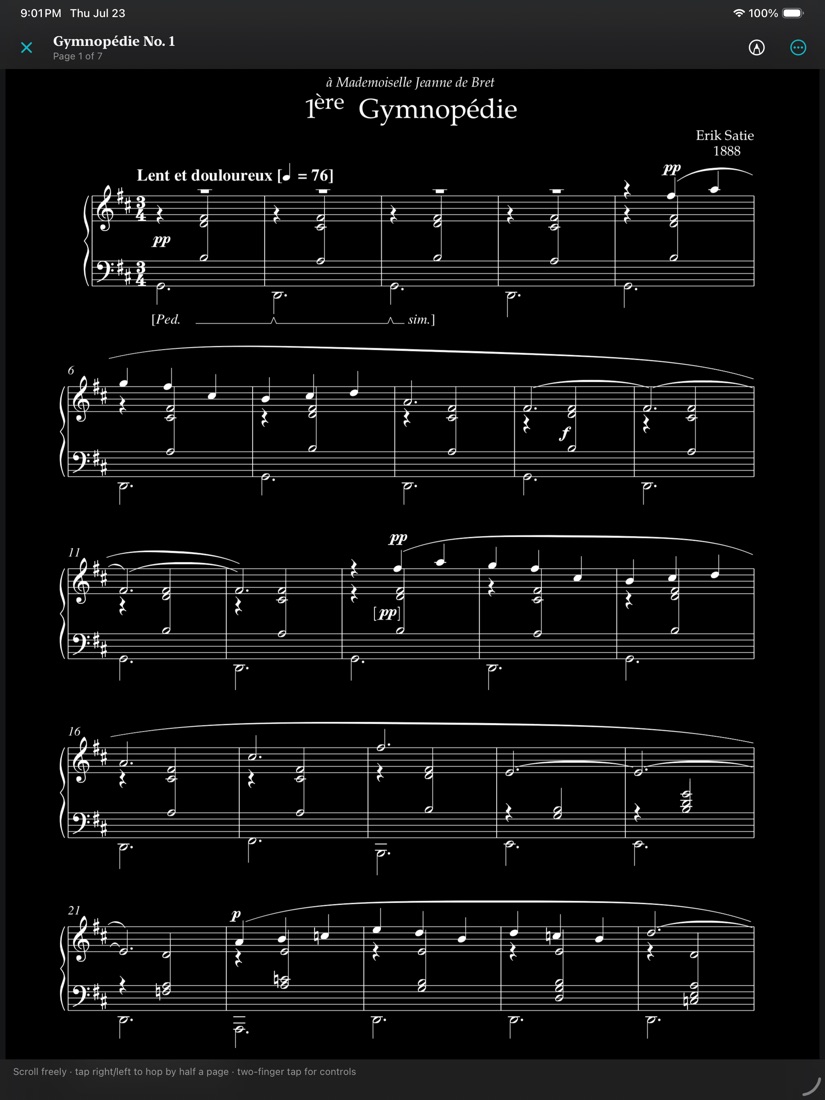
- Rosé Pine Dawn light, Catppuccin Frappé dark, or follow iPadOS. Invert Sheet Music flips just the pages to white-on-black for a dark pit.
- Requires
- iPad, iPadOS 17 or later.

Coming to the App Store
Free.
… for early adopters.
No subscription, no account, nothing to restore. Leave an address and I’ll write once, on the day it ships.